
Description
Why should I Buy Autodesk Inventor Professional 2025?
Inventor 3D CAD software
Inventor® 3D CAD software provides professional-grade mechanical design, documentation and product simulation tools with a powerful blend of parametric, direct, freeform and rules-based design capabilities. There are integrated tools for sheet metal, frame design, tube and pipe, cable & harness, presentations, rendering, simulation, machine design, and more. In addition, TrustedDWG® compatibility and powerful Model-Based Definition capabilities for embedding manufacturing information directly in the 3D models.
3D CAD DESIGN AND ENGINEERING TOOLS
WHAT IS INVENTOR?
Inventor takes you beyond 3D to Digital Prototyping by enabling you to produce an accurate 3D model that can help you design, visualise, and simulate your products before they are built.
CAD productivity and design communication tools can help you reduce errors, communicate more effectively, and deliver more innovative product designs faster.
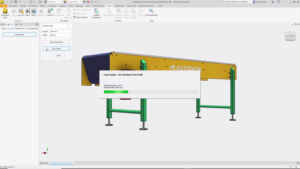
iLogic with Vault
Apply iLogic code directly with Vault to copy files, apply numbering schemes, and check out documents.
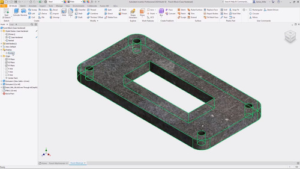
Finish utility
Use the new finish feature to specify the appearance and manufacturing process such as material coating or surface finish.
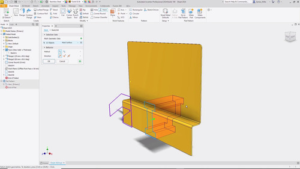
Mark feature enhancements
Mark across all faces in your path and wrap around curved geometry with new mark feature options.
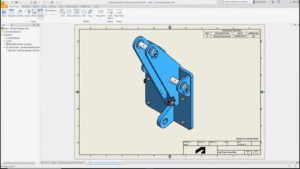
Drawing revision cloud
Isolate areas of special interest with the sketch-based revision cloud feature in the drawing environment.
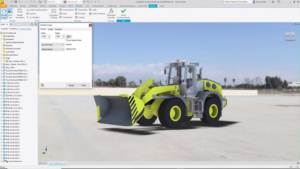
View setting improvements
Create compelling visual representations of your design with improved view settings, section view enhancements, and IBL environments.
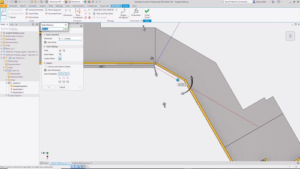
Tube and pipe enhancements
Create custom elbows quickly and easily in the tube and pipe styles area
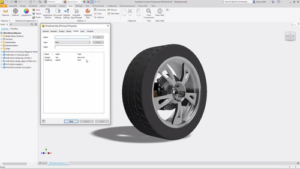
Parameter enhancements
Include hardness and parameter in expanded unit type export with the option to export Boolean values for custom iProperties.
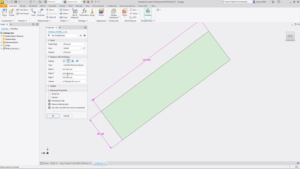
Optimized bounding box assembly
Automate the orientation and size of bounding boxes for parts with additional angle options in assemblies.
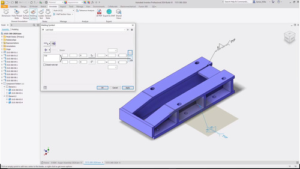
Weld symbol
Create drawing-associated weld and subweld symbols to be included upon export to 3D PDF, DWF, and Shared Views.
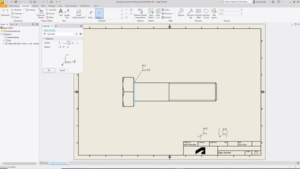
Edge symbol
Use the new edge symbol feature with appearance settings based in ISO standards and a properties panel with various customization settings.
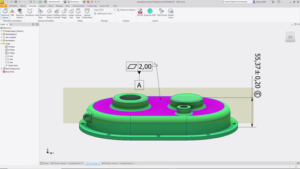
Model-based definition enhancements
Explore several improvements to model-based definition for your documentation workflows in the 3D environment.



Reviews
There are no reviews yet.